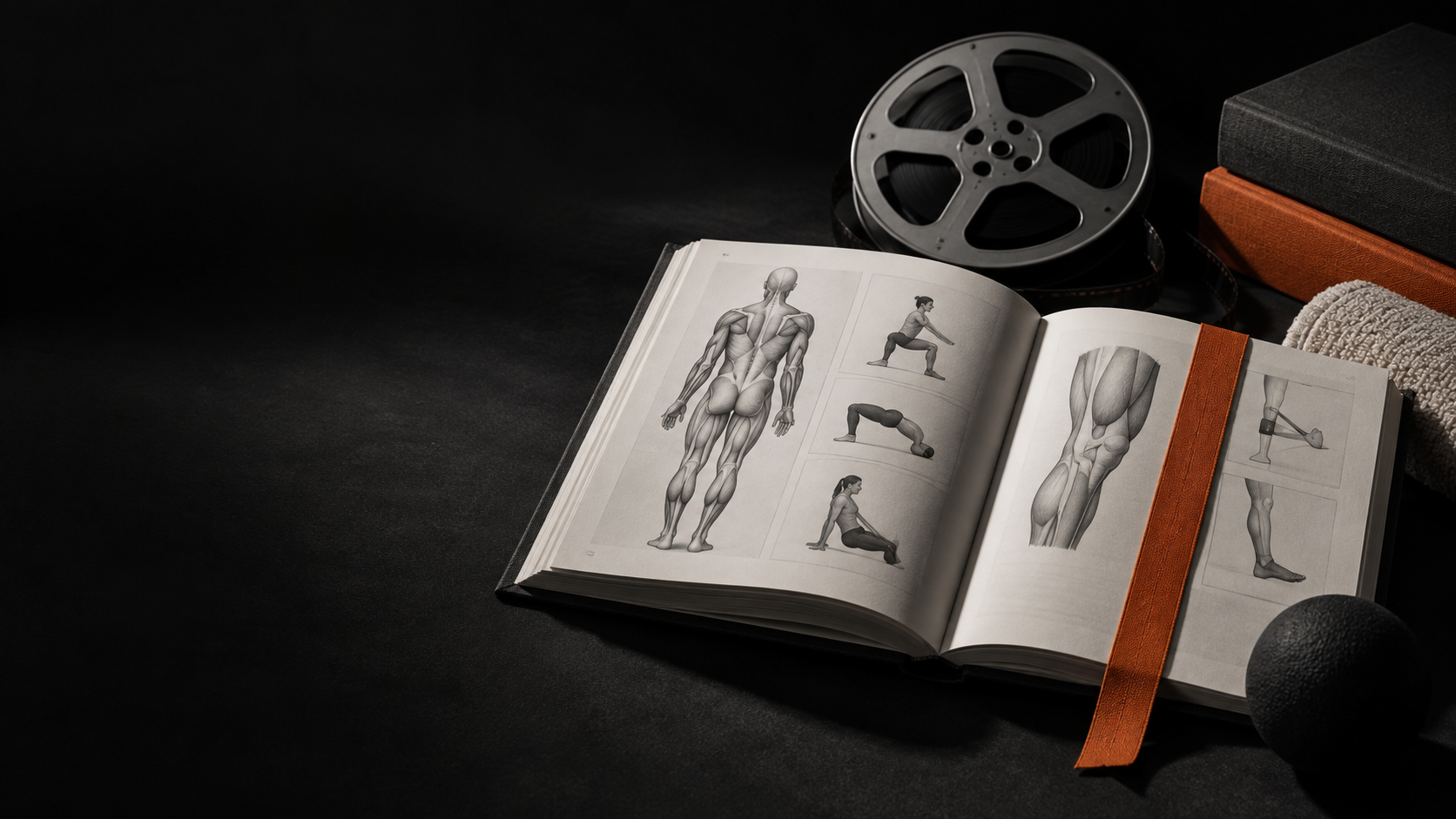
Create resources with a title, description, image, video, and translations. Assign them directly to a patient or include them in a prescription, keeping the content close to the work they need to do.
New feature
What changes.
01
Build a library
Organize your Studio’s educational content and reuse it when it is needed.
02
Assign with precision
Send a resource to a patient or include it in a prescription.
03
Open in the app
Patients find assigned content in their dedicated area, with its image, description, and video.
When you want to go deeper.
Find the practical steps and guidance for using the feature in everyday work in the Help Center.
Open Help Center